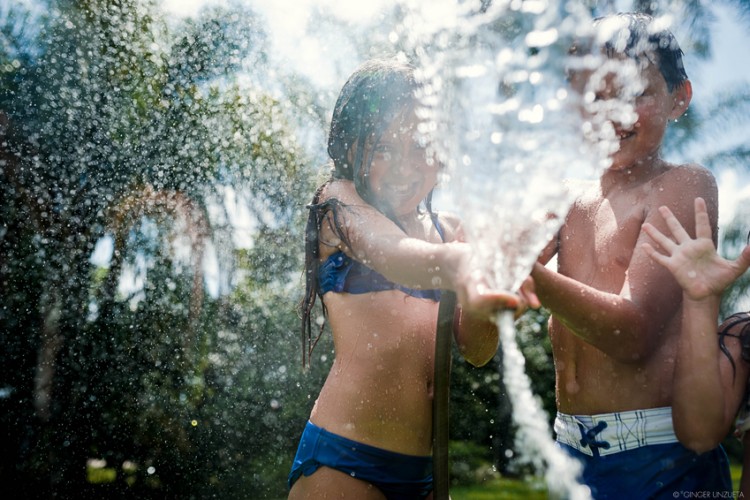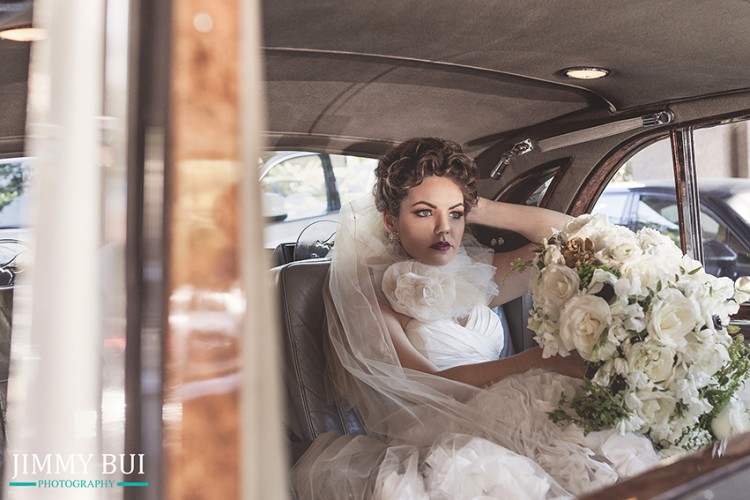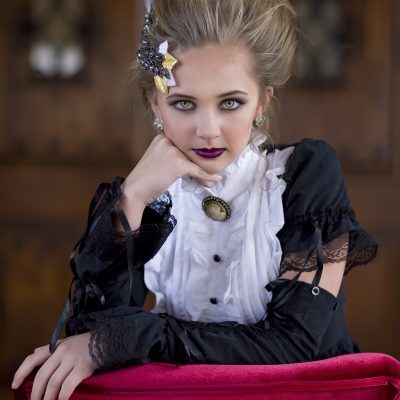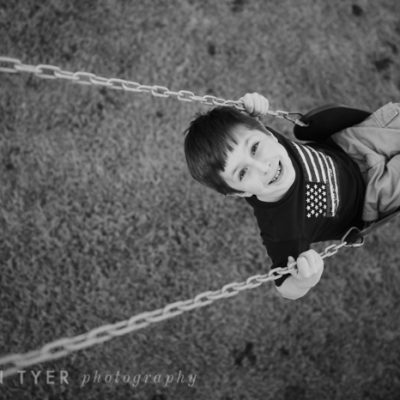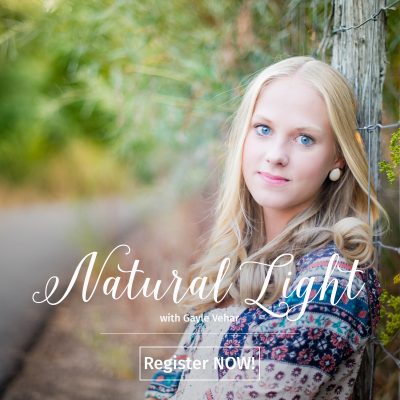


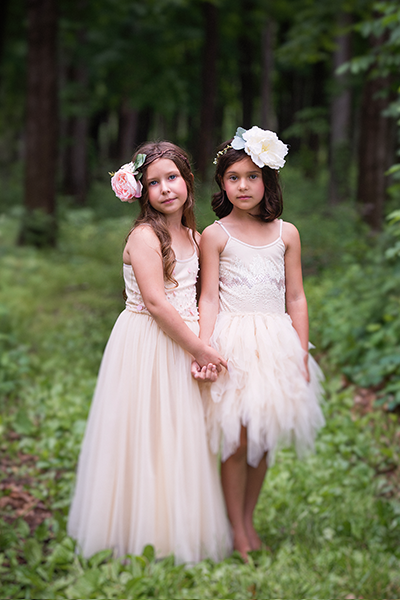
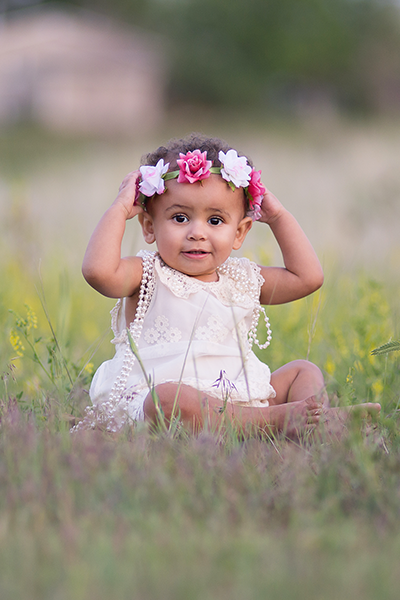
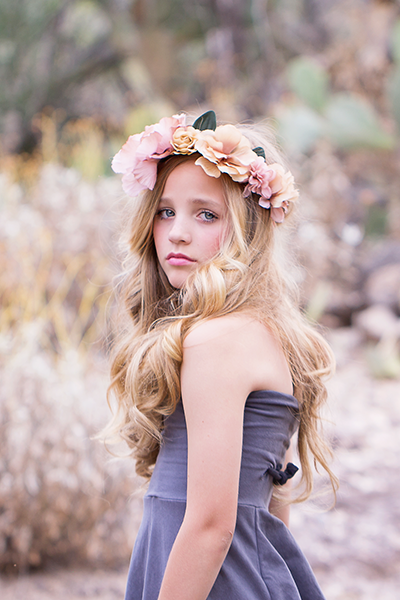


We are so honored to welcome Jessica Drossin to Rock the Shot today! Take a moment to learn more about Jessica, her inpiring and beautiful photography, and her GORGEOUS textures she offers photographers. PLUS… make sure to get in on an AWESOME GIVEAWAY for not ONE but THREE $75 Gift Certificates to Jessica Drossin Textures!! Thank you so much Jessica for taking the time to share your work with us!
Tell us a little bit about yourself
I grew up in a small town in northeastern Nebraska, with a population of under 1,000 people. My mother was my high school art teacher. I went to college with the intention of being a serious painter but quickly discovered I needed to find a “real job”, so I worked for 10 years as the Creative Manager for a video game company. I’m married to a music composer and am a stay-at-home mom with two young, rambunctious boys. I take a lot of photos and create a lot of digital mini-paintings I call textures.
How would you describe your photography style?
I believe my photography style is constantly evolving, partially because I don’t specialize in a particular genre (so I’m always having new challenges thrown at me), and partially because I tend to get bored quickly. I approach different kinds of shoots in very different ways, and I’m blessed to have a diverse client base. I love being able to shoot a boudoir session one weekend and a family the next. That said, I think my portfolio has some continuity because I work hard to find interesting light, explore a non-traditional color palette, attempt to capture authentic moments, weave texture in wherever possible (both in-camera and in pp), and often play within a shallow depth-of-focus.

When did you, as a photographer, fall in love with textures?
I actually think it was the other way around. My infatuation with textures inspired me to get serious about photography. I was a painting major in college during which I took a semester of photography, but frankly, wasn’t terribly interested in hanging out in a darkroom. I was the indifferent owner of a $35, gently-used, point-and-shoot until three years ago when my sister, Gina Kolsrud, talked me into getting a camera and then into posting work on Flickr. This in turn introduced me to non-traditional photography and the world of textures. I was and remain absolutely smitten.
How often do you use textures on your own images?
Most of my post-processing incorporates my textures because usually, I think my work looks better with them. Selling textures was an afterthought; packs 1 – 4, in particular, were created because I had a certain vision for the way I wanted to process a session and created the textures for those specific purposes. It’s a common notion that textures only add scratches, etc., to photos when in fact, they also affect a photo’s overall color, saturation, contrast, and even help to establish a focal point and vignette. Basically, for me, they create a short cut to the finish line, so I use them routinely.

How do you choose the right texture for the right photo?
I get asked this a lot and I wish I had a way to better articulate it. Basically, a successful shoot starts with having a vision. Depending upon the session, I find a certain location, position my subject in a certain pose, shoot from a certain angle, with a certain lens, at a certain FStop. The whole time, I’m making choices in pursuit of a specific goal; choosing the texture is just another element in pursuing that original vision. If I want to push an image to be warmer and softer, I add a warm, soft texture. If I want to make things cool and grungy, I pick a cool-toned, grungy texture. The theme of the shoot also dictates the texture used. Let’s say I’m working on a commercial shoot for a recording artist, and I know that I’m going to create mature, edgy shots. I’ll want to play with edgy, darker, moodier textures. On the other hand, if I’m shooting a newborn, I’ll want to use subtle, warm textures. Maybe I’ll even gaussian blur them a bit. I see textures as personalities and I try to match the personality of the photo to the personality of the texture. There’s also a certain degree of playing. Many photographers run actions on the same image and then pick the result they like the best. I do the same, but with textures. I’ll paste in four that I think might be appropriate, and then I’ll do a quick peek with each of them in either Overlay, Soft Light or Screen mode. That tells me pretty quickly what is working and what isn’t. Then, just as if you were using a particular set of actions to process a session, I re-use the same textures to ensure that continuity is maintained across the session.
Do you believe every texture works for every picture?
Some textures can be used across a wide variety of subject matter, but not all. I would never use an edgy, grungy texture on a newborn shoot or a vintage-looking texture on an urban shoot, just as I’d never color-edit a newborn photo with an acid-green cross process or a high school boy’s senior pictures in soft pastels.

Your Illumination Textures are gorgeous! What makes these different then your other texture packs?
I’m extremely proud of my JD Texture Packs 1-4, but after four successful packs, I felt that I wanted to go out on a limb, try something different, and offer up a challenge to the conventional notion of what textures do. With Illumination Textures, I had two goals: Make textures more accessible for people who are new to textures, and to challenge the wide-spread practice of adding textures only at the end of the editing process. I wanted see if I could convince people that textures could be used to do more than simply add bumps and scratches. I also liked the idea of layering textures to provide multiple effects, so I created the textures in Illuminations with the intention that they all could all play together nicely.
For those new to textures, how easy is it to apply and use your textures?
Illumination Textures were created for newbies and people who like simpler texture work. The majority of the textures are very easy to successfully integrate, particularly if the user follows my recommendation of using them in the primary modes they were designed for: Overlay, Soft Light, and Screen mode. I also offer support for beginners with both PDF and video tutorials (for PS and Elements). My free videos demonstrate how to add textures, how to get the texture off the skin while maintaining tones, and how to use two textures on the same photo.

Do you often use one texture or layer several textures on a photo?
It really just depends on the image; for some, one is enough. On other photos, I’m tempted to push and will try two or even three in different modes and at different opacity levels. On one recent photo, I wanted to create an overall cool palette for the background but wanted the skin tones to be warm. I used two different textures, a cool one for the background, and a warm for the skin tones and light, then masked out the color from the textures accordingly.
In your opinion, what does a texture bring to a picture?
Textures can perform a nearly endless variety of functions — they can add (or reduce) color, contrast, saturation, and depth. Textures can help establish a focal point and vignette edges, they can be used as a non-destructive way to dodge and burn, they can brighten an underexposed shot, and recover detail in an overexposed one. Textures can create movement and color variation and can also help to establish a context for a photo, most commonly adding grunge or vintage effects. Textures can even be used to simulate light effects. No texture can save a bad shot, but used correctly, they can generally help them, and I’m a big believer that they can make a good photo unforgettable.

Why should new photographers start using textures today?
New photographers who are working digitally are embarking upon an amazing journey. There are so many great resources out there that can truly enhance your photography at very reasonable price. In a creative profession, I think it’s a good idea to sample what is out there and see what feels right for you. Textures may not be for everyone, but as I like I tell my kids when I serve them something new at dinner — how will you know if you like it or not, if you don’t try?
About Jessica: As former painter and graphic designer, when I discovered I could add textures to digital photography to enhance and alter my images, I was hooked. Two years ago, I started making my own textures and selling them in packs. The packs don’t represent a theme, i.e. “urban” so much as they represent my constant search for new and unique ways to help me edit my own photography work. I love the feeling of collaboration that comes with having other photographers use my textures in their art.
Visit Jessica at her website: Jessica Drossin Textures
Here’s How Enter the Giveaway for ONE of THREE $75 Gift Certificate for editing services from Jessica Drossin Textures. Please leave ONE comment for each item you complete. You have up to SEVEN chances to win:
1. Follow Rock the Shot on Facebook.
Extra Entries (Optional): Please leave additional comments on the blog for each of the following items you complete.
2. Follow Jessica Drossin Textures on Facebook and if you like, let them know Rock the Shot sent you.
3. Become a member of Rock the Shot Photography Forum
4. Follow Rock The Shot on Twitter
5. Join Rock The Shot Mailing List
6. Share about this giveaway on Facebook or Twitter. Type the following: “Go check out @rocktheshot at www.rocktheshotforum.com & enter to win one of three $75 Gift Certificates to Jessica Drossin Textures”.
7. If you LOVE Rock the Shot – Click the Google +1 at the bottom of this post to let everyone know!
There you have it! 7 chances to win this FABULOUS Giveaway from Rock the Shot and Jessica Drossin!
Congratulations to Rachel Massengale, Lottie Essig and Teresa Garrett-Martin! You each have won a $75 Gift Card from Jessica Drossin Textures. Please email me at laura@rocktheshotforum within 48 hours to redeem. Thank you all for the amazing comments. Both Rock The Shot and Jessica Drossin felt the love!
Hurry! Giveaway ends Sunday at 11:59pm CST. Winner will be announced on Tuesday, September 5th, 2011.
LEGAL STUFF: This promotion is in NO WAY sponsored, endorsed or administered by, or associated with Facebook. You will NOT be notified publicly via Facebook if you are a winner. You MUST be 18 to participate. By entering this giveaway, you are providing information to Rock the Shot and NOT to Facebook. Prizes do not have cash value. There will be no returns/exchanges on any of the items.


521 comments