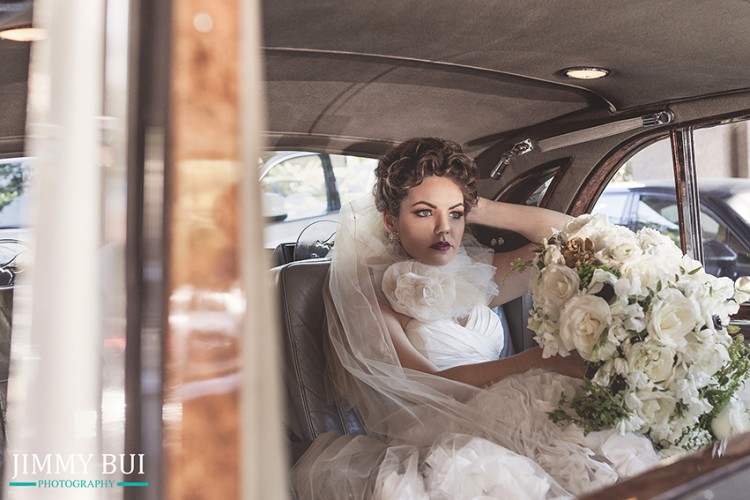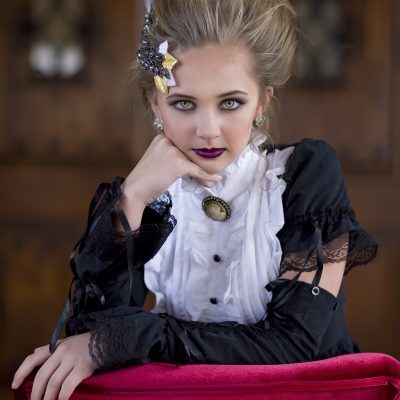


Photoshop Basics was designed to help new Photoshop users become comfortable in their workspace and to teach you how to “clean” edit your photos. Purchase this 4-part SELF-STUDY workshop book created by Amanda Padgett of Everyday Elements and start editing your photos with confidence!!
*NOTE: The class concepts taught in this workshop can be applied in both Photoshop Elements (PSE) and Photoshop; however, the class is taught in PHOTOSHOP CS5.
Photoshop Basics Self-Study Workshop Includes:
- Video recording of a live, online Photoshop workshop Amanda held in May
- Class notes to follow as she goes through the recorded workshop video
- Numerous video tutorials that expound on the different areas touched on in the live workshop
- Four PDF lessons that build on each other, and have accompanying videos and images to use for lessons
- Set of eight custom Photoshop actions
The Photoshop Basics Self-Study Workshop Covers:
- Menus, Tools and Shortcuts
- Customizing the Workspace
- Layer Types, Layer Masks and Brushes
- Adjustment Layers and Filters
- Basic Edit Workflow Steps
- Loading and Using Actions
The Four PDF Lessons Cover:
- Adjusting exposure and contrast
- Changing White Balance
- Whitening Teeth and Eyes
- Fixing under-eye circles
- Fixing blemishes
- Smoothing Skin
- Giving image a color pop
- Cropping
- Sharpening
- Resizing for the web


2 comments